 HTML to Frames
· 8 min read · Mert Tati
Brochure Sizes: A4, A5, Z-Fold and Standard Dimensions (2026)
Standard brochure sizes in cm, mm and pixels: A4, A5, A3, tri-fold Z and C folds, flyer sizes, plus brochure design and print-ready file prep.
Short answer: The most common brochure sizes are A4 (21 x 29.7 cm), A5 (14.8 x 21 cm) and A3 (29.7 x 42 cm). A classic tri-fold brochure is a landscape A4 sheet folded into thirds in a Z or C shape, giving a closed size of roughly 9.9 x 21 cm. The print file is set up with a 3 mm bleed on every edge, at 300 dpi, in CMYK color mode.
When choosing a brochure size, you need to think about two measurements together: the flat (open) size of the sheet and the finished (closed) size after folding. Printers quote prices based on the flat size and the fold type, while readers hold the brochure in its folded form. In this guide we cover standard brochure sizes, fold types, pixel equivalents and how to plan your content around the fold.
Brochure vs. handout vs. flyer: what’s the difference?
These terms are often used interchangeably, but in print they are planned differently. A flyer is usually a single, unfolded sheet meant for a short message, promotion or announcement. A brochure is folded and breaks more information, such as products, services or a price list, into sections. When people say “handout brochure,” they usually mean an A5, A6 or DL flyer handed out in person.
Our print service makes the same distinction: for flyers we offer A6, A5, A4 and DL sizes; for brochures we offer A5, A4 and A3 sizes with unfolded, half-fold and tri-fold (Z / C) options.
Standard brochure sizes: flat and folded dimensions
- A4, half-fold (single fold in the middle): Flat 29.7 x 21 cm, folded 14.8 x 21 cm (A5). A four-page brochure with a booklet feel.
- A4, tri-fold (Z or C fold): Flat 29.7 x 21 cm, folded approx. 9.9 x 21 cm (DL). The classic six-panel promotional brochure.
- A3, half-fold: Flat 42 x 29.7 cm, folded 21 x 29.7 cm (A4). Carries more images and copy; ideal for corporate presentations and trade shows.
- A3, tri-fold: Flat 42 x 29.7 cm, folded approx. 14 x 29.7 cm. A tall, narrow, eye-catching format.
- A5, half-fold: Flat 21 x 14.8 cm, folded 10.5 x 14.8 cm (A6). A pocket-sized, budget-friendly brochure.
- A5, tri-fold: Flat 21 x 14.8 cm, folded approx. 7 x 14.8 cm. The small panels suit content with very little text.
The A series has a handy property: each size is exactly half of the previous one. Fold A3 in half and you get A4; fold A4 in half and you get A5. That’s why the folded size of a half-fold brochure is always the next A size down.
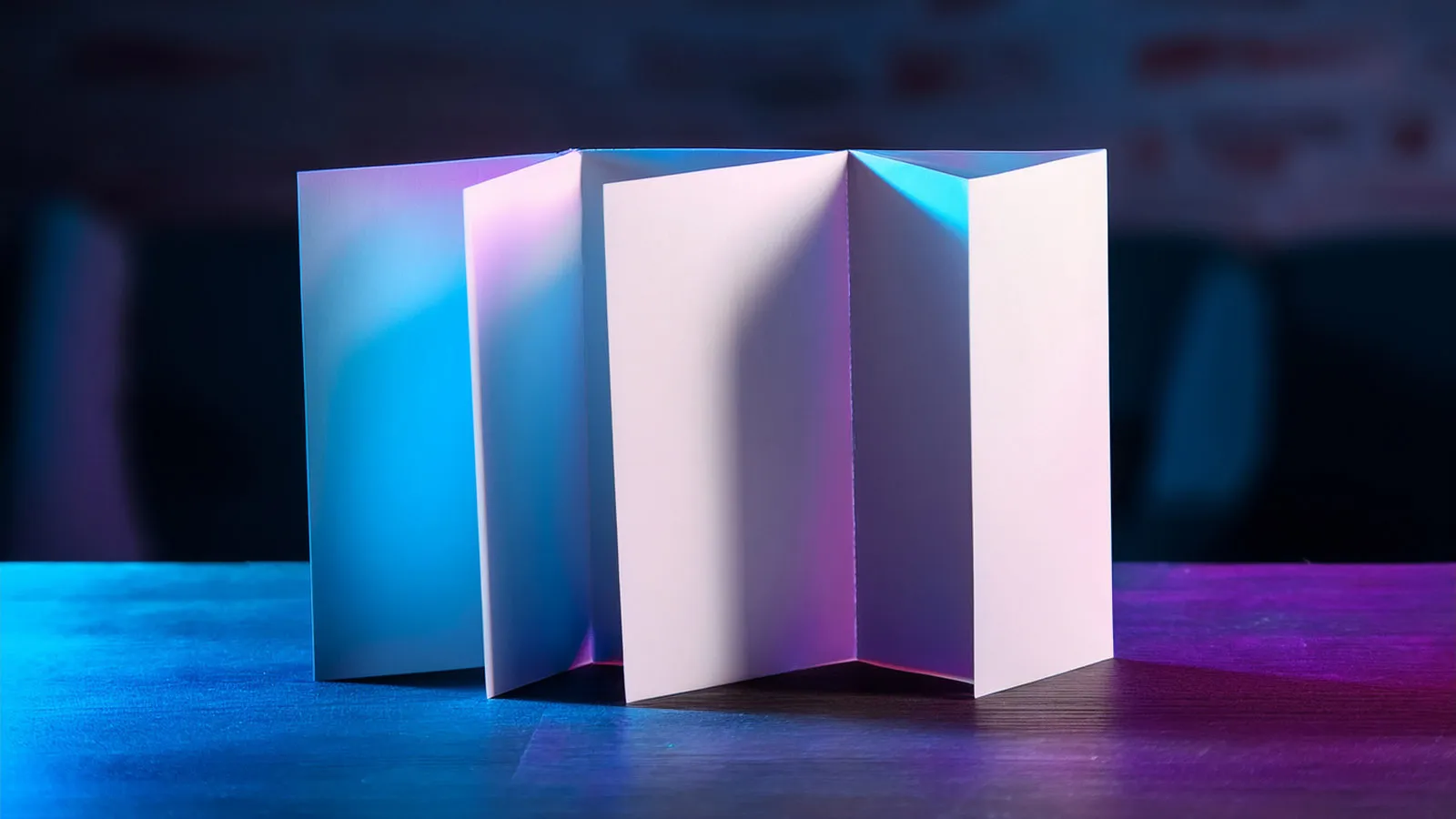
Z-fold brochure dimensions vs. C-fold (roll fold)
There are two fold types for tri-fold brochures, and their file dimensions differ. If you set up the file without knowing the difference, the panels will rub against each other when folded, or the tucked-in flap will buckle.
- Z-fold (accordion fold): The panels fold in a zigzag. All three panels are the same width; on A4, each panel is 99 mm (297 ÷ 3).
- C-fold (roll fold, letter fold): One flap folds inside the other two panels. To fit, the inner flap must be 2-3 mm narrower; a common A4 split is 100 + 100 + 97 mm.
- On a C-fold, the outside typically runs left to right as inner flap (narrow panel), back cover and front cover; on the inside, the narrow panel sits on the right.
Panel order can vary slightly from printer to printer. The safest approach is to ask your printer for their fold template and fold a paper mock-up to check the page order.
A5 brochure size and pixel dimensions for other sizes
A5 (148 x 210 mm) is one of the most popular sizes, both as a single-sheet flyer and as a folded A4. At 300 dpi, a trimmed A5 is 1748 x 2480 pixels; with a 3 mm bleed on each edge, the file becomes 154 x 216 mm, or 1819 x 2551 pixels. Values for other sizes (pixels = mm ÷ 25.4 × 300):
- A6 (105 x 148 mm): 1240 x 1748 pixels
- A5 (148 x 210 mm): 1748 x 2480 pixels; with bleed 1819 x 2551 pixels
- DL (99 x 210 mm): 1169 x 2480 pixels
- A4 (210 x 297 mm): 2480 x 3508 pixels; with bleed 2551 x 3579 pixels
- A4 landscape, tri-fold flat size (297 x 210 mm): 3508 x 2480 pixels; with bleed 3579 x 2551 pixels
- A3 (297 x 420 mm): 3508 x 4961 pixels; with bleed 3579 x 5031 pixels
Bleed and safe area work the same way as on a business card: backgrounds and images extend 3 mm beyond the trim line, while text stays at least 3-5 mm inside the trim and every fold line. We explain these concepts with examples in our business card size guide.
Flyer and handout sizes: which size for which job?
- Door-to-door or street distribution: A single A5 or A6 sheet. Light, affordable and focused on one message.
- Restaurant takeaway menu or price list: A DL tri-fold brochure or an A4 tri-fold. The panel layout is great for separating categories. If you’re planning a permanent menu for the table, take a look at our QR menu guide too.
- Trade shows and events: A4 half-fold (A5 folded) or A3 half-fold (A4 folded). More room for visuals and a more corporate impression.
- Product launches and technical information: A3 half-fold, four A4 pages. Plenty of space for product images, feature lists and contact details.
- Mailing: A DL folded size fits a DL envelope; an A4 folded size fits a C4 envelope.
Brochure design: planning content around the fold
Good brochure design is really about designing the sequence the reader encounters as they unfold it. The front cover should spark curiosity, the first panel that opens should carry your strongest promise, the inside spread should deliver the details, and the back cover should close with contact information and a call to action.
- Never place text, faces or logos across a fold line; they’ll crease and become unreadable.
- Give each panel one main idea; keep paragraphs short and use bullet points.
- Put your address, phone number, website and a QR code on the back cover.
- Choose your paper with the fold in mind: 135 gsm and 170 gsm coated (gloss/silk) stock fold well; heavier stock needs scoring (creasing) to prevent cracking along the fold.
- Lamination makes a brochure more durable; matte lamination looks corporate, gloss lamination looks vibrant.
If your brochure copy and visual style aren’t ready yet, our design service can help you work out the content flow, panel layout and a print-ready file together.
Brochure printing: checklist before you send your file
- Are the flat size, folded size and fold type (Z or C) clearly defined?
- On a C-fold, is the inner panel 2-3 mm narrower?
- Is there a 3 mm bleed on every edge, and is text kept away from trim and fold lines?
- Is the color mode CMYK and are images 300 dpi?
- Are fonts embedded or converted to outlines, and is the file saved as PDF/X?
- Have you checked the panel order with a paper mock-up?
For brochure printing, you can choose the size (A5, A4, A3), fold, paper (135 gsm coated, 170 gsm coated, 300 gsm coated, Bristol board, kraft) and lamination (matte, gloss, soft-touch, none) in quantities of 250, 500, 1000 and 2500 using the quote tool on our print services page. Your selections reach us as a WhatsApp message, and we send the price back through the same channel. We ship from Izmir across Turkey and check your file for color, bleed and resolution before printing.
Frequently asked questions
What is the standard brochure size? The most common standard brochure is the tri-fold made by folding a landscape A4 sheet (29.7 x 21 cm) into thirds, with a folded size of about 9.9 x 21 cm. Single-sheet A4 and A5 and the A4 half-fold are also widely used.
How many pixels should an A5 brochure be? A trimmed A5 at 300 dpi is 1748 x 2480 pixels. With a 3 mm bleed on each edge, set up your file at 154 x 216 mm, or 1819 x 2551 pixels.
What’s the difference between a Z-fold and a C-fold? In a Z-fold, the panels fold in a zigzag and all three are the same width. In a C-fold, one flap folds inward, so that panel is designed 2-3 mm narrower.
What paper should I choose for a brochure? For folded brochures, 135 gsm or 170 gsm coated stock is common and economical. Heavier paper feels more premium, but it needs scoring so it doesn’t crack along the fold.
Summary: The most widely used brochure sizes are A4, A5 and A3; the classic tri-fold is folded from a landscape A4 sheet down to about 9.9 x 21 cm. On a Z-fold the panels are equal; on a C-fold the inner panel is 2-3 mm narrower. Set up your file with a 3 mm bleed, at 300 dpi and in CMYK, keep content away from fold lines, and fold a paper mock-up before printing.
Related services