 HTML to Frames
· 2 min read · Mert Tati
QR Menus for Restaurants and Cafes: What to Look For
Speed, multiple languages, allergen info, easy updates, table ordering and regulations: a practical guide to choosing a QR menu for restaurants and cafes.
QR menus are now standard on restaurant tables. The real difference shows up in which ones frustrate guests and which ones help you sell. There’s a huge gap in guest experience between a slow-loading PDF and a fast, searchable menu with photos. In this post, we list what to look for when choosing or setting up a QR menu system.
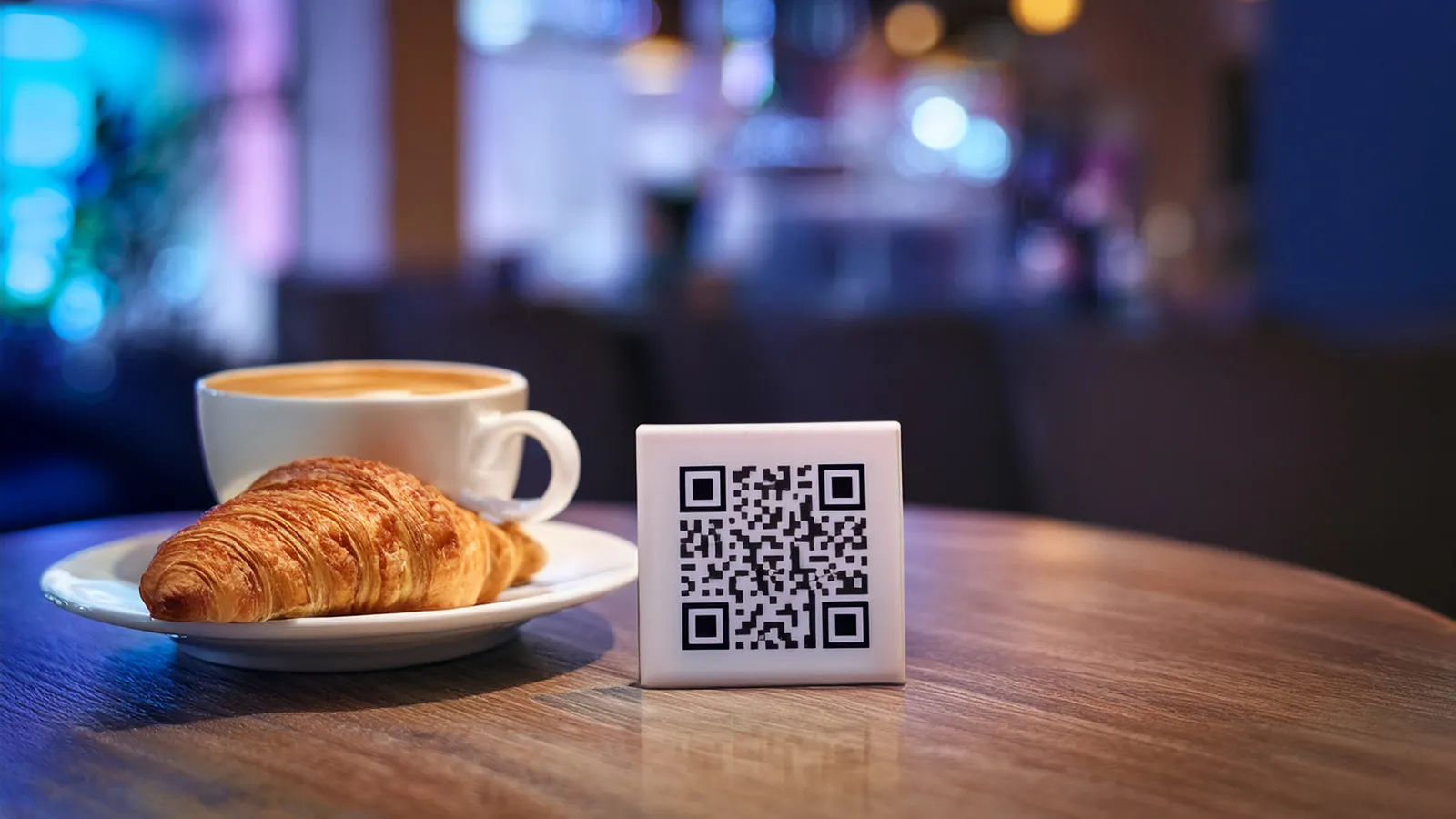
1. Speed: the menu should open in two seconds
When guests scan the QR code, they’re usually not on the restaurant’s Wi-Fi; they open the menu on mobile data, sometimes with a weak signal. Heavy PDFs and uncompressed photos lose you points here. Lightweight pages, optimized images and quick jumps between categories directly affect how many guests actually read the menu.
2. Easy updates
You shouldn’t have to wait for an agency or designer to change a price, remove a sold-out item or add today’s special. With a good system, the owner or chef can hide an item or update a price from their phone in a few taps. A “sold out” label saves guests the disappointment of ordering something you don’t have.
3. Multiple languages and tourist guests
In tourist-heavy cities like Izmir, offering the menu in at least English means more sales. A menu that opens automatically in the phone’s language, and lets guests switch languages with one tap, is far more efficient than a server explaining every dish one by one.
4. Allergen and dietary information
Showing allergens such as gluten, dairy and nuts, along with vegan/vegetarian labels, on each item matters for both guest safety and speed of service. Having this information clearly on the menu cuts down the repetitive questions your servers get.
5. Photography and presentation
Well-shot food photos make the menu easier to browse and help guests decide faster. Images shot with consistent lighting, the same angle and the same aspect ratio make the menu part of your brand; messy phone snapshots do the opposite.
6. Table ordering and POS/tab integration
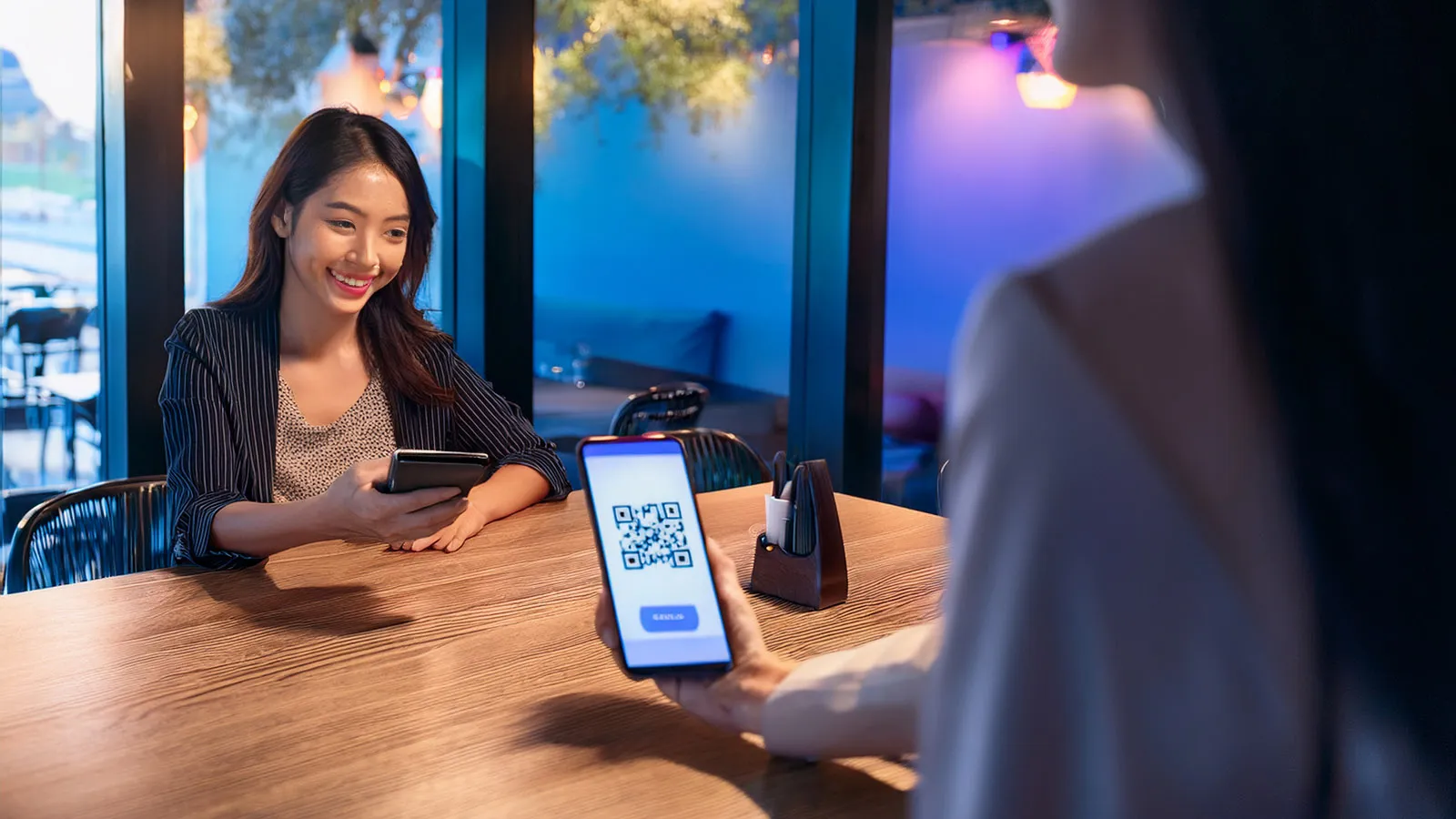
The next step for a QR menu is connecting it to table ordering and your tab (check) system: orders go straight to the kitchen or bar, and servers can focus on service and guests. Not every business needs this; it delivers the most value for places that struggle to take orders during rush hours.
7. Don’t forget the regulations
Turkey’s Price Labeling Regulation requires food and beverage businesses to display their price list where guests can see it. A QR menu alone may not satisfy this requirement; check the current regulations for requirements such as having a printed price list at the entrance and on the tables. Think of your QR menu as a complement to your printed menu, not a replacement.
A good QR menu opens fast, is easy to update, speaks your guest’s language and drives sales; everything else is decoration.
Related services