 HTML to Frames
· 9 min read · Mert Tati
Business Card Size: cm, mm, Pixels and Print-Ready Files (2026)
Business card dimensions in cm, mm and pixels: the 85 x 55 mm standard, bleed, 300 dpi sizes, Photoshop and Illustrator setup, and a print checklist.
Short answer: The standard business card size in Turkey is 8.5 x 5.5 cm, or 85 x 55 mm. Your print file should include a 3 mm bleed on every edge, making it 91 x 61 mm, at 300 dpi in CMYK color mode; that equals 1075 x 720 pixels (the trimmed size without bleed is 1004 x 650 pixels).
A business card looks like a small job, but a good share of print errors happen at exactly this small size: text that gets cut off in trimming, white slivers along the edges, colors that look vivid on screen and dull on paper. In this guide we give business card dimensions in cm, mm and pixels, and walk you step by step through setting up the right file in Photoshop and Illustrator and what to check before you send it to print.
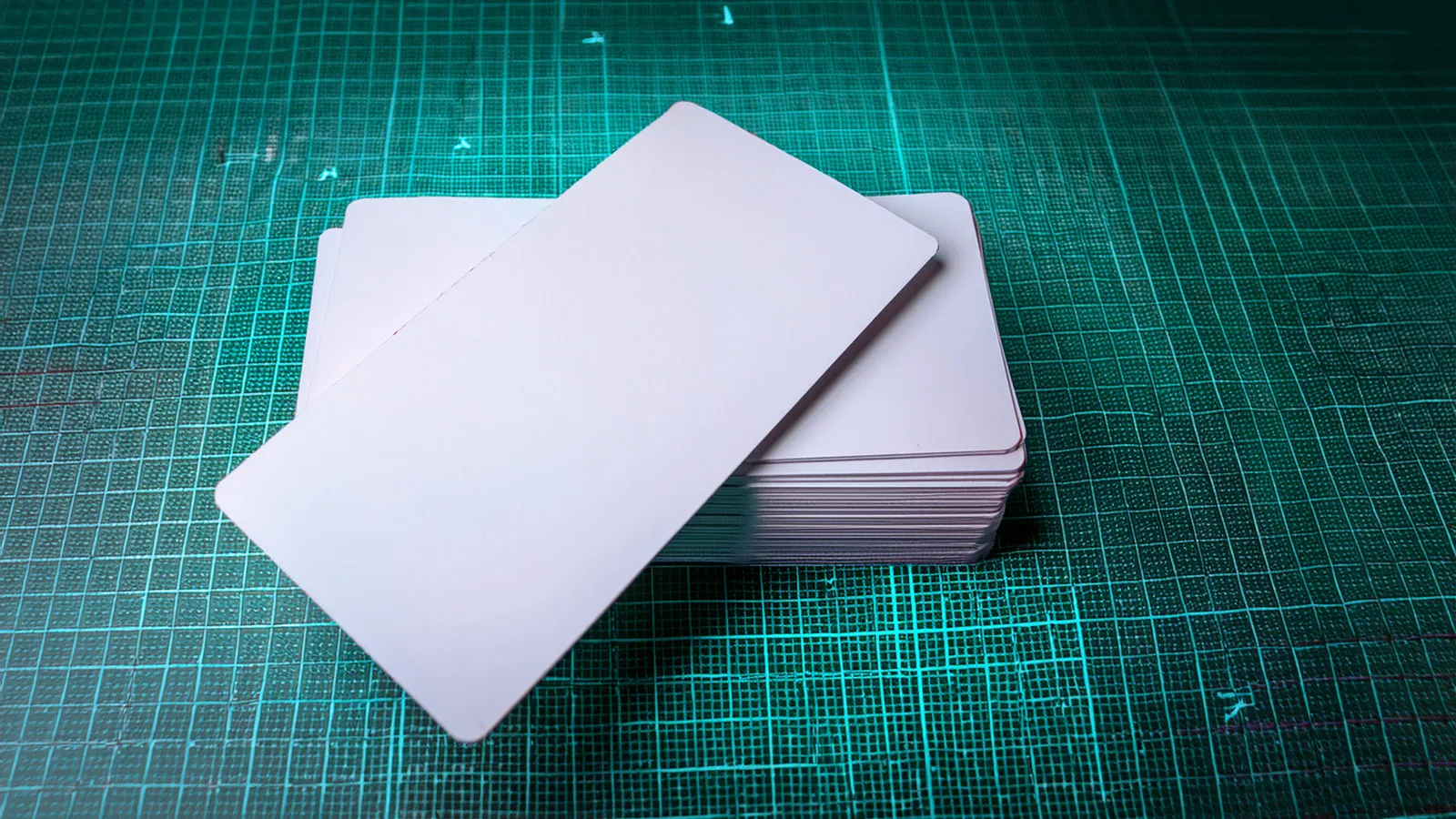
Business card size in cm and mm: standard and alternative sizes
Business card size varies from country to country. In Turkey and most of Europe, 85 x 55 mm is common; if you work with clients abroad or want your card to fit a particular wallet slot, it helps to know the alternatives.
- Standard (Turkey / Europe): 8.5 x 5.5 cm = 85 x 55 mm. This is the default size at print shops.
- Credit card size (ISO 7810 ID-1): 85.6 x 53.98 mm. The same as bank and ID cards; it fits wallet card slots exactly, and the corners are usually rounded.
- US / Canada: 3.5 x 2 inches = 88.9 x 50.8 mm. Slightly longer and flatter.
- Square business cards: sizes such as 55 x 55 mm or 65 x 65 mm. Eye-catching, but they may not fit standard card holders.
- Folded business cards: to close to 85 x 55 mm, the flat size is 170 x 55 mm (side fold) or 85 x 110 mm (top fold).
For a vertical business card, the size stays the same and only the orientation changes: 55 x 85 mm. Lock in the orientation and size before you start designing; flipping it later usually means rebuilding the layout from scratch.
Business card size in pixels: 300 dpi equivalents
The accepted resolution for print is 300 dpi. The formula for converting millimeters to pixels is simple: pixels = mm ÷ 25.4 × 300. The values below were calculated with this formula and rounded to the nearest whole number.
- 85 x 55 mm (trim size): 1004 x 650 pixels
- 91 x 61 mm (with a 3 mm bleed on each edge): 1075 x 720 pixels
- 89 x 59 mm (with a 2 mm bleed on each edge): 1051 x 697 pixels
- 85.6 x 53.98 mm (ISO credit card size): 1011 x 638 pixels
- 88.9 x 50.8 mm (US 3.5 x 2 inches): 1050 x 600 pixels; 1125 x 675 pixels with a 1/8 inch bleed
- 55 x 55 mm (square): 650 x 650 pixels
A common mistake is sending an image prepared at screen resolution (72 dpi) as a business card. At 72 dpi, 85 x 55 mm is only about 241 x 156 pixels, and that file will print blurry and jagged. Logos downloaded from social media usually have the same problem; whenever possible, use a vector version of your logo (AI, EPS, SVG or PDF).
What are bleed, safe area and trim line?
Business cards are printed in bulk on large sheets and cut with a guillotine. The cut is not always accurate to the millimeter, so you need to think about three separate boundaries in your file.
- Trim size: the final size of the card, 85 x 55 mm.
- Bleed: extending any background color or image that runs to the edge 3 mm beyond the trim line. That way, even if the cut shifts slightly, no white strip is left at the edge. The total file size becomes 91 x 61 mm.
- Safe area: keeping important elements such as text, logo and QR code at least 3 mm inside the trim line. On an 85 x 55 mm card, the safe area for content is roughly 79 x 49 mm.
Avoid thin borders placed very close to the edge. Even a small deviation in the cut makes one side of the border look thick and the other thin, and the card looks sloppy.
How to set up a business card in Photoshop
Photoshop is a pixel-based program; it suits photo-heavy designs, but small text may not come out as sharp as in vector programs. Still, with the right setup you can get good results.
- Under File > New, set the unit to millimeters and enter a width of 91 mm and a height of 61 mm (bleed included).
- Set the resolution to 300 pixels/inch and the color mode to CMYK, 8 bit.
- Use View > New Guide to add a trim guide 3 mm in from the edges and safe area guides 6 mm in.
- Extend the background color and images all the way to the outer edge of the document; keep text inside the safe area.
- Leave type layers unrasterized and save the file as a Photoshop PDF, ideally to a PDF/X standard.
Business card size in Illustrator (plus InDesign and Canva)
The best tools for business cards are vector programs such as Illustrator and InDesign, where text and logos stay sharp at any size.
- When creating a new document in Illustrator, set the artboard to 85 x 55 mm, enter 3 mm for all four edges in the Bleed fields, and choose CMYK color mode and 300 ppi raster effects.
- For a double-sided card, create two separate artboards (front and back).
- Convert text to outlines (Create Outlines) before printing, or embed the fonts in the PDF.
- Under Save As > Adobe PDF, choose the PDF/X-1a or PDF/X-4 preset, and in Marks and Bleeds check “Use Document Bleed Settings.”
- InDesign works the same way: page 85 x 55 mm, bleed 3 mm. If you use Canva, enter a custom size in millimeters and, when downloading as PDF Print, tick crop marks and bleed.
Checklist before sending to print
- Is the size correct: 85 x 55 mm trimmed, 91 x 61 mm with bleed?
- Is the color mode CMYK? RGB files get converted at print time, and bright blues, greens and oranges in particular can turn dull.
- Are images at least 300 dpi, and is the logo vector?
- Is all text inside the safe area? Is the smallest text readable (not going below 6-7 pt is generally a good rule)?
- Is small black text defined as 100% black (K) only? For large black areas, use the rich black values your printer recommends.
- Are there any very thin lines? Lines under 0.25 pt can disappear in print.
- If there is a QR code, is it at least about 2 x 2 cm, and has it been tested with a phone?
- For double-sided printing, are the front and back facing the same direction and on separate pages?
Business card printing: paper, lamination and quantity
Even when the size is right, the feel a business card leaves in someone's hand comes down to the paper and finish. Our printing service offers these options for business cards: single- or double-sided printing; 350 gsm coated (Kuşe), 350 gsm Bristol, kraft and textured paper; matte, gloss or soft-touch lamination, or no lamination. You can choose quantities of 100, 250, 500 and 1000.
- 350 gsm coated: the most popular choice, with vivid colors. Lamination makes it more durable.
- 350 gsm Bristol: a more matte, natural surface you can write on with a pen.
- Kraft: a brown, natural look that suits handmade products, cafes and boutique brands. Light colors darken on kraft, so plan the design accordingly.
- Textured: a textured surface with a premium feel; watch out for fine type on the texture.
- Matte lamination is clean and elegant, gloss lamination makes colors pop, and soft-touch gives a velvety feel.
To get a price, just pick business cards in the quote tool on our printing services page and select sides, paper, lamination and quantity; your choices are sent to WhatsApp as a ready-made message and we reply with a price. If you have a non-standard size in mind, mention it in your message. Before printing, we check your file for color, bleed and resolution, deliver within Izmir and ship across Turkey.
Business card examples: what makes a good business card?
- A clear split, such as logo and brand name on the front, and name, title and contact details on the back.
- Information hierarchy: name first, then title, then contact details. Setting everything at the same size makes the card unreadable.
- Enough white space: instead of cramming too much onto a small surface, list only the channels you actually use.
- A QR code to your website: people glance at a card for a few seconds and put it aside; the real persuasion happens on your website. We explained why you need an up-to-date site for this in our corporate website guide.
- Consistency with your brand identity: colors, typefaces and logo usage should match your signage, website and social media.
If you don't have a design ready, our design team can prepare your business card as a print-ready file; the design fee appears as a separate line item in the quote.
Frequently asked questions
What is the business card size in cm? The standard business card in Turkey is 8.5 x 5.5 cm. Credit card size is 8.56 x 5.398 cm, and the US standard is 8.89 x 5.08 cm (3.5 x 2 inches).
How many pixels should a business card be? At 300 dpi, the trim size is 1004 x 650 pixels, and 1075 x 720 pixels with a 3 mm bleed on each edge. Whenever possible, send a vector PDF instead of a pixel-based image.
How many mm of bleed do I need? Usually 3 mm on each edge; some printers ask for 2 mm. Confirm with the company doing the printing before you prepare the file.
Should a business card design be RGB or CMYK? For print, it should be CMYK. Files prepared in RGB are converted during printing, and the color you see on screen may differ from the color on paper.
Summary: The standard business card is 85 x 55 mm; prepare your file at 91 x 61 mm with a 3 mm bleed on each edge, at 300 dpi (1075 x 720 pixels) and in CMYK. Keep important elements at least 3 mm inside the trim line, use a vector logo and send it as PDF/X. Paper and lamination shape how the card feels; select your options and get an instant price over WhatsApp.
Related services